Printing is one of the most consistently over-spent budget lines in UAE offices. Not because companies print too much — sometimes that's unavoidable — but because they print inefficiently. The good news is that most printing waste is entirely preventable with a few structural changes that cost nothing to implement. This guide covers the practical steps UAE businesses can take right now to cut their printing costs by 20–40%.
Why Office Printing Costs More Than You Think
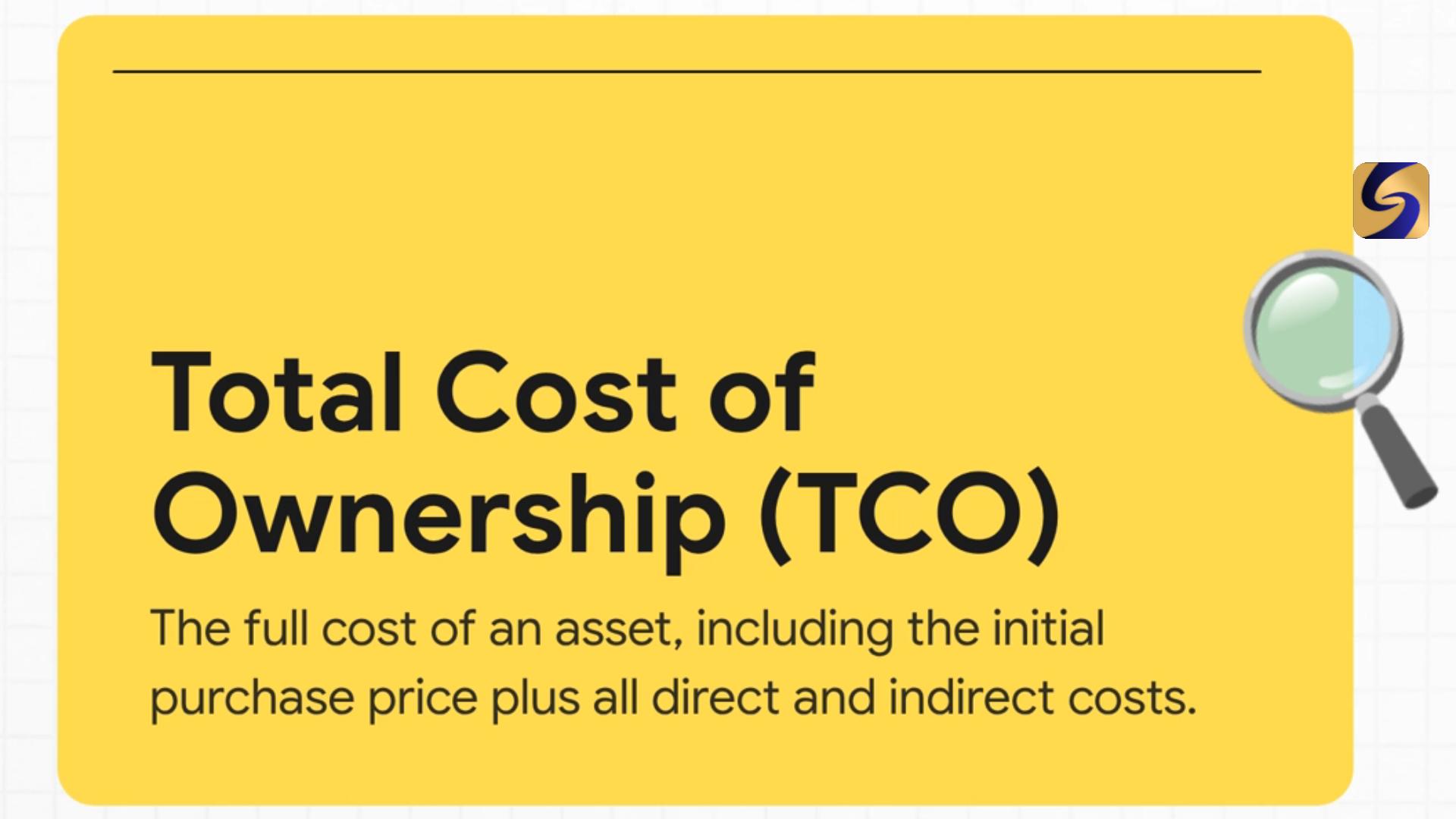
Most businesses calculate their printing costs as: (toner cost) + (paper cost). The actual per-page cost is significantly higher when you include:
- Printer depreciation and AMC costs allocated per page
- Energy consumption (enterprise A3 machines draw 1–2 kW when printing)
- IT staff time managing the printer infrastructure
- Wasted prints — on average, 17–20% of all office prints are immediately discarded
For a UAE office printing 10,000 pages per month on owned equipment, the all-in cost per page is typically 8–15 fils for black and white and 35–70 fils for colour — not 2–3 fils as many assume when they look at toner costs alone.
Habit 1: Default to Double-Sided Printing
This single setting change cuts paper consumption by up to 50% with zero impact on communication quality. On all major Canon, Kyocera, and HP enterprise machines, duplex (double-sided) printing can be set as the system default in the printer driver.
How to set duplex as default:
- Open Printers & Scanners on any office computer
- Select the printer → Printing Preferences
- Find "Finishing" or "Layout" tab
- Set "Print on Both Sides" to On (Long Edge Binding for portrait documents)
- Apply to all users via the print server settings — or ask your IT team to push the setting as a group policy
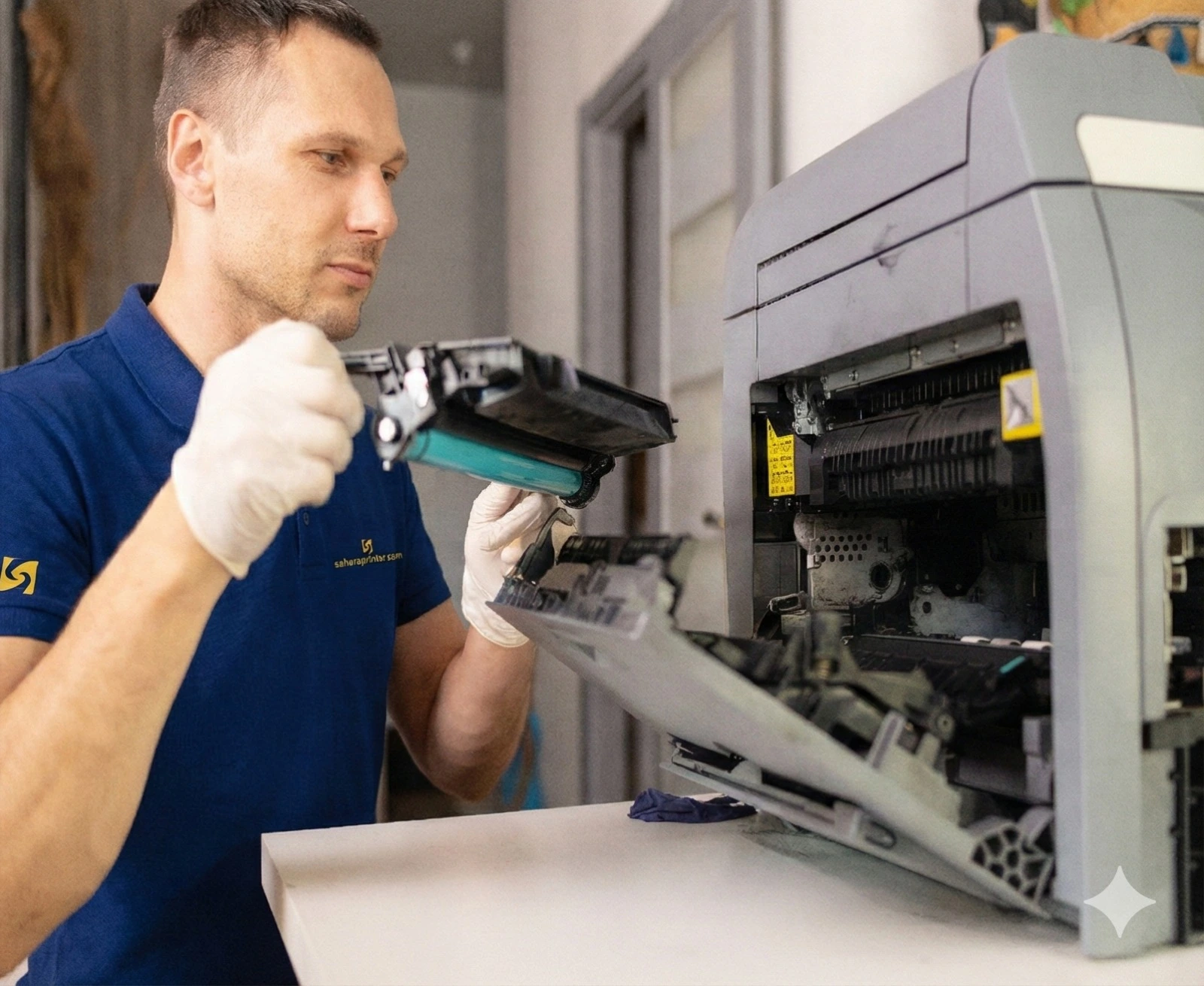
For companies with Sahara AMC or rental contracts, our technicians configure duplex as default during installation and can reconfigure it at any scheduled maintenance visit.
Habit 2: Set Mono as Default for Internal Documents
Colour printing typically costs 5–8x more per page than black and white. In most offices, 70–80% of internal documents — emails, spreadsheets, memos, meeting notes — gain nothing from being printed in colour.
Set your office printers to default mono (black and white) with a deliberate override required for colour. This creates a small but effective friction that causes people to think before printing in colour. Businesses that implement this typically see colour print volumes drop by 30–50% within a month.
Habit 3: Print Preview Before Every Print Job
According to industry studies, 1 in 5 office print jobs contains a formatting error — extra blank pages, cut-off text, or wrong scaling — that results in the entire job being discarded and reprinted. A 10-second print preview check before confirming the job catches these errors before they waste paper and toner.
Make "preview before printing" part of your office's document workflow culture. It costs nothing and reduces waste immediately.
Habit 4: Use Secure Print Release for Sensitive Documents
The standard printing workflow — press print, walk to the printer, collect the document — leaves confidential documents sitting in the output tray for minutes or hours. Uncollected prints are a compliance risk and a waste risk: they often get mixed with other documents, reprinted because the owner forgot they printed, or discarded entirely.
Secure print release (also called PIN printing or Follow-Me printing) holds the job in the printer's queue until the user walks to the machine and enters a PIN. This eliminates uncollected prints and ensures confidential documents are collected immediately. Enterprise Canon and Kyocera machines support this natively — ask your rental provider or service team to enable it.
Habit 5: Audit What You Actually Print
Most businesses have no idea what their teams are printing. Enterprise multifunction printers generate detailed print logs — department by department, user by user. A monthly audit of these logs typically reveals:
- Individual users printing hundreds of personal documents
- Large-format jobs that could be sent to a professional print shop more cheaply
- Duplicate jobs — the same document printed multiple times due to "it didn't print" confusion
- High-colour jobs that could be reprinted in black and white without loss of utility
Sahara's enterprise rental machines come with departmental print tracking enabled. We can provide monthly print reports to help you identify and address waste patterns.
Habit 6: Eliminate the "Just in Case" Print
The most wasteful printing habit in UAE offices is printing documents "just in case" someone asks for them in a meeting — and then the meeting goes digital, or the document is never referenced. Before printing anything, ask: "Will I definitely need this paper copy in the next 2 hours?" If the answer isn't a clear yes, save it digitally and print only if it's actually needed.
This habit alone, if adopted across an office, typically reduces print volume by 10–15%.
The Bigger Picture: Managed Print Services
For businesses that want to optimise printing systematically rather than relying on individual habits, Managed Print Services (MPS) is the professional-grade solution. MPS involves a comprehensive assessment of your current print environment, the right sizing of your printer fleet, and ongoing monitoring and optimisation of print behaviour.
Sahara's all-inclusive rental model is a foundation for MPS — it ensures you're using the right machines, with the right configurations, supported by professionals who actively manage your print infrastructure rather than waiting for you to report problems.
Want a free print audit for your UAE office? Contact Sahara — our team will assess your current setup and identify savings opportunities at no charge.